Draw another a.
Add alternates for the letters you repeat. Stele rotates through them as you type, so nothing looks stamped.
Draw alternate forms and set connections as you work. Stele uses them in context and exports a working font.
Get early builds and release dates. I won’t fill your inbox.
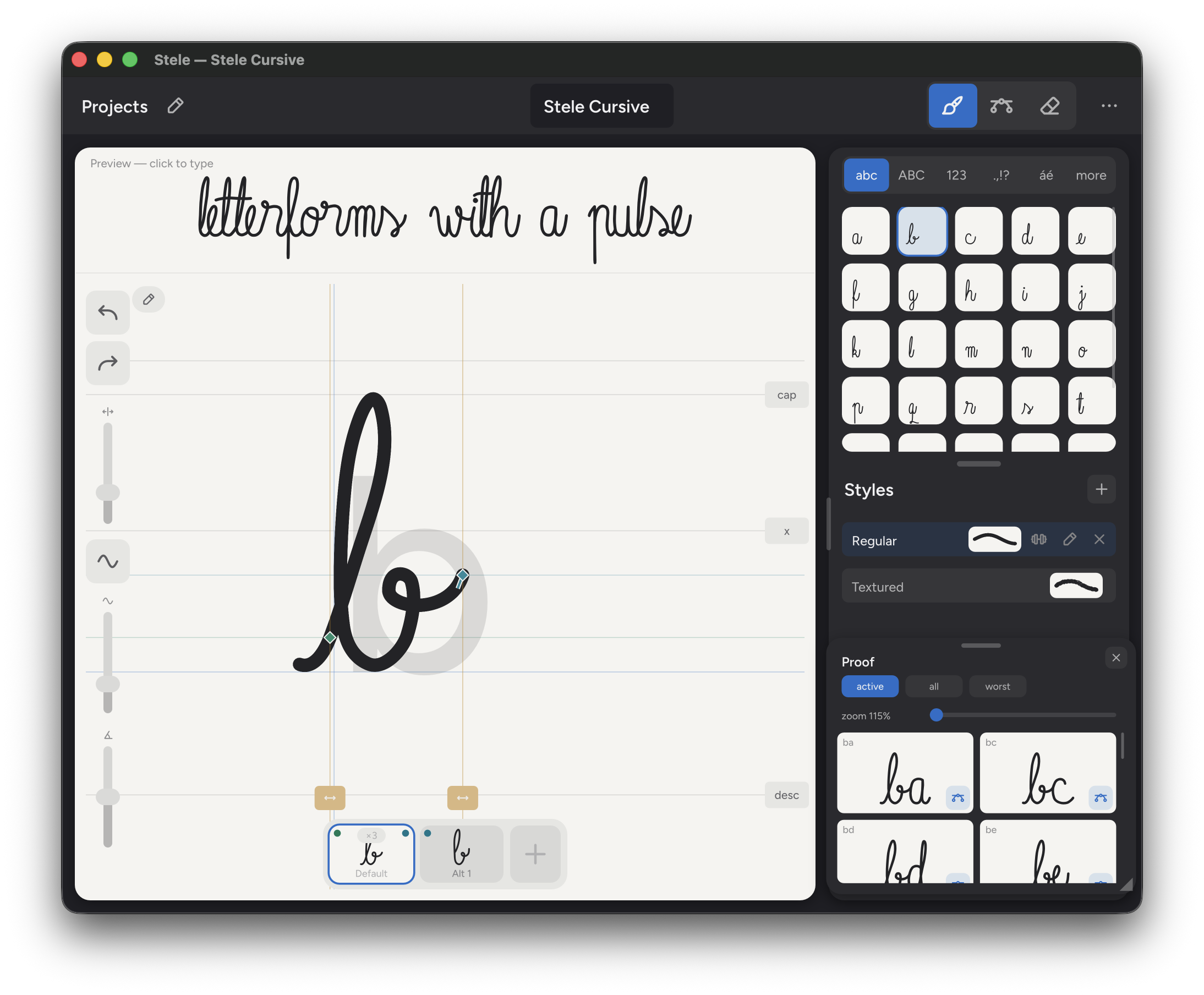
Alternates, ligatures, and connections come from the letters you draw. You never write feature code.
Add alternates for the letters you repeat. Stele rotates through them as you type, so nothing looks stamped.
Assign your drawing to a character pair. Stele writes the OpenType ligature rule for you.
Set high and low entries and exits, then inspect real letter pairs before you export.
Keep pressure and textured edges in the exported outlines. Build styles and weights from the same source strokes.
The whole flow — drawing, alternates, export — runs on either one. Open the same project on both and pick up where you left off.